
Flutter development
Two platforms, one Flutter codebase
When done right, Flutter is one of the fastest ways to ship a mobile experience that feels native on iOS and Android.
Quick answer
Flutter development with native-feeling performance. Cross-platform iOS and Android delivery, including design system, backend, and App Store release.
We pick Flutter for teams that need design consistency, shared business logic, and fast iteration. We drop into native via platform channels when needed; we don't lock you into one tool.
Our Flutter project standard
- One codebase: parallel iOS + Android release
- Material 3 + Cupertino design system
- Riverpod / Bloc state management — chosen per project
- Integrates with Firebase, Supabase, or your backend
- Automated store release via Codemagic / Fastlane
100+
Projects shipped
10+
Years of experience
96
City coverage
4.9/5
Customer rating
When we choose Flutter
Flutter is the strongest option for screen- and animation-heavy mobile apps, products that need a consistent design system, and fast MVP iteration. Shipping to both stores from one codebase doubles delivery speed for early-stage startups.
Where very specialized hardware integration is required (BLE at protocol level, complex AR), we keep Flutter as the main shell and connect native modules via platform channels.
State management and architecture
We use Riverpod and Bloc the most. Riverpod is our pick for fast prototypes and mid-size products; Bloc is our default for enterprise projects with long-term sustainability.
Folder structure, dependency injection, and repository / data source split are placed from day one — six months later a new developer can ramp up quickly.
Design system and UI consistency
We blend Material 3 and Cupertino themes and define a single ThemeData around brand color + typography. The component kit lives in Figma; design tweaks ship in code in hours.
Animations leverage Flutter's biggest advantage: real 60–120 fps frames. That's the technical reason users say 'feels native'.
Backend, auth, and realtime
Most Flutter projects pair perfectly with Firebase or Supabase: fast setup, real-time sync, ready-made auth. For enterprise scope we work with your REST/GraphQL backend or set up Postgres + Prisma ourselves.
On auth we deliver email, magic link, OAuth (Google / Apple Sign In is mandatory), and enterprise SSO when needed. Apple Sign In is a real iOS release requirement — we configure that during setup.
Testing, store release, and updates
Codemagic or Fastlane sets up the automated build / sign / release pipeline. Beta versions push to TestFlight, then once internal review passes they ship to App Store and Play Store automatically.
We recommend Sentry or Firebase Crashlytics for error monitoring, Mixpanel or Amplitude for analytics. These aren't 'add later' — they ship with v1.
Frequently asked questions
Flutter uses Dart and renders with its own engine — guaranteeing identical look across platforms. React Native rides on the JS ecosystem, fast to adopt if your team already knows React. We choose based on team expertise and performance needs.
Technically yes. In practice for mobile-first products, mobile + web is usually enough. Desktop is a special case for internal enterprise tools.
For the vast majority, yes — 60+ fps animation, smooth scrolling. AAA games, heavy graphic manipulation, or BLE protocol-level work moves to native.
Yes. We start with a code review + roadmap revision. Week one is technical-debt inventory; week two the roadmap is locked; from week three onward feature delivery resumes.
A simple Flutter MVP runs 4–6 weeks, mid-size product 8–12 weeks. We deliver weekly milestones based on scope and integrations.
Locations
Locations where we ship Flutter projects
We work with companies across global hubs on Flutter mobile development. The locations below are where we deliver most often.
Selected projects
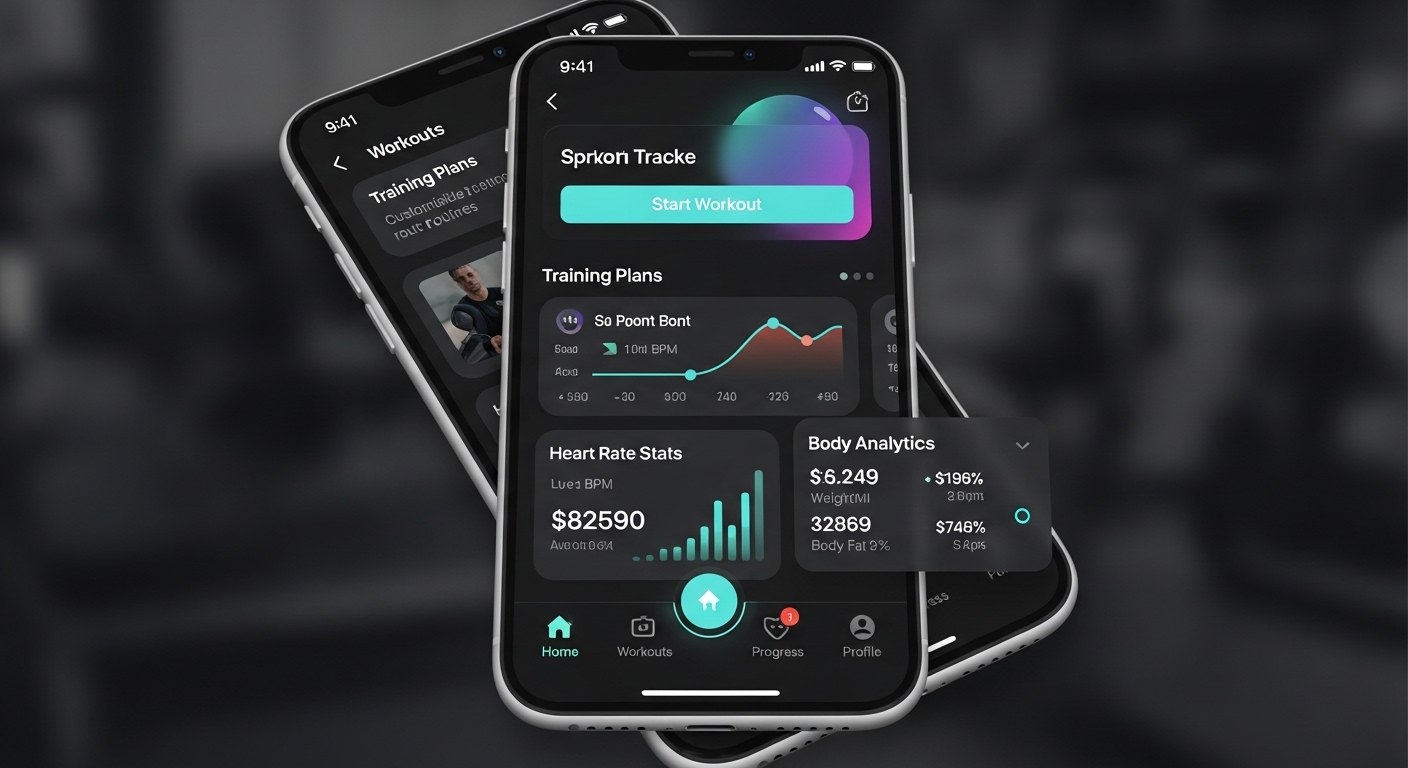
FitTrack Mobile App
Personal fitness tracking and workout planning app. 50,000+ active users on iOS and Android platforms.
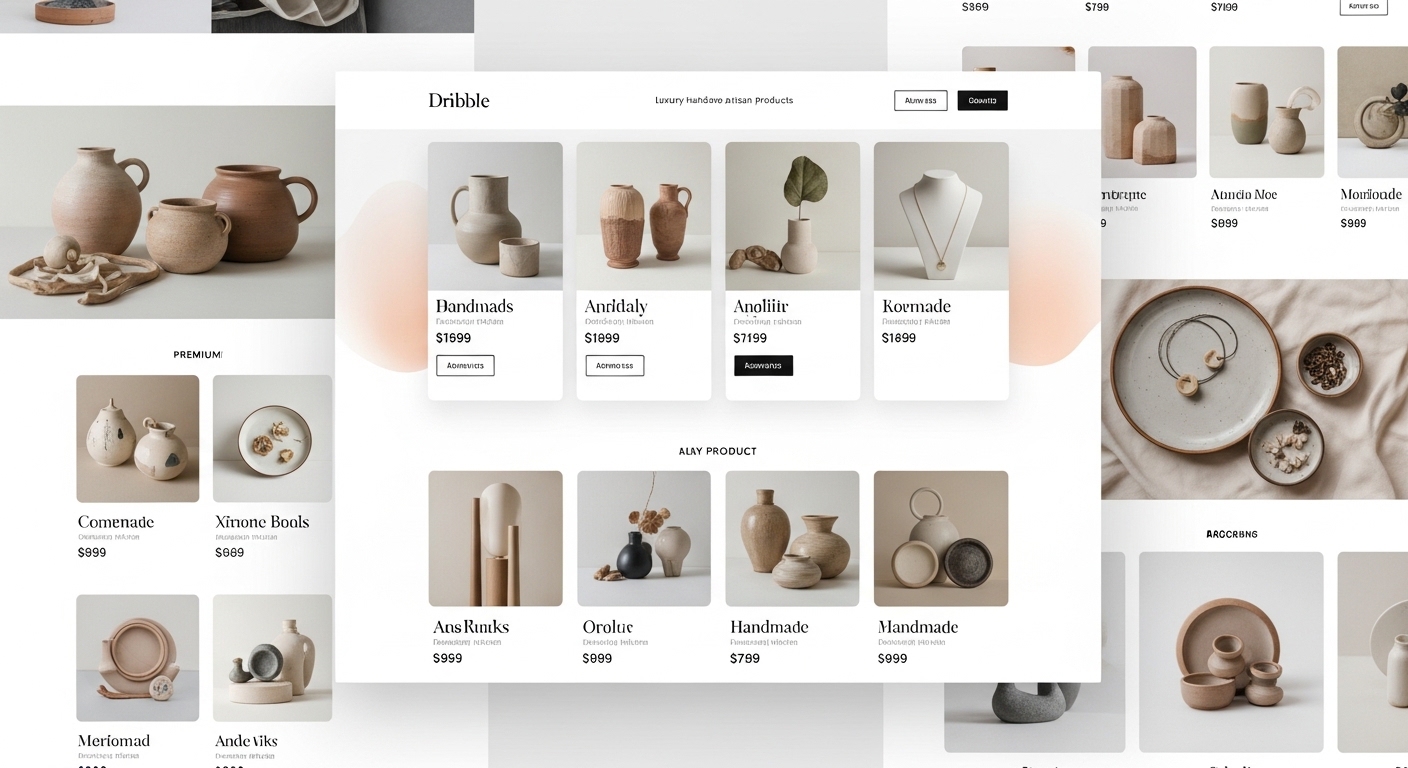
ShopZone E-Commerce Platform
Multi-vendor e-commerce platform. Integrated payment system, inventory management, and analytics dashboard.
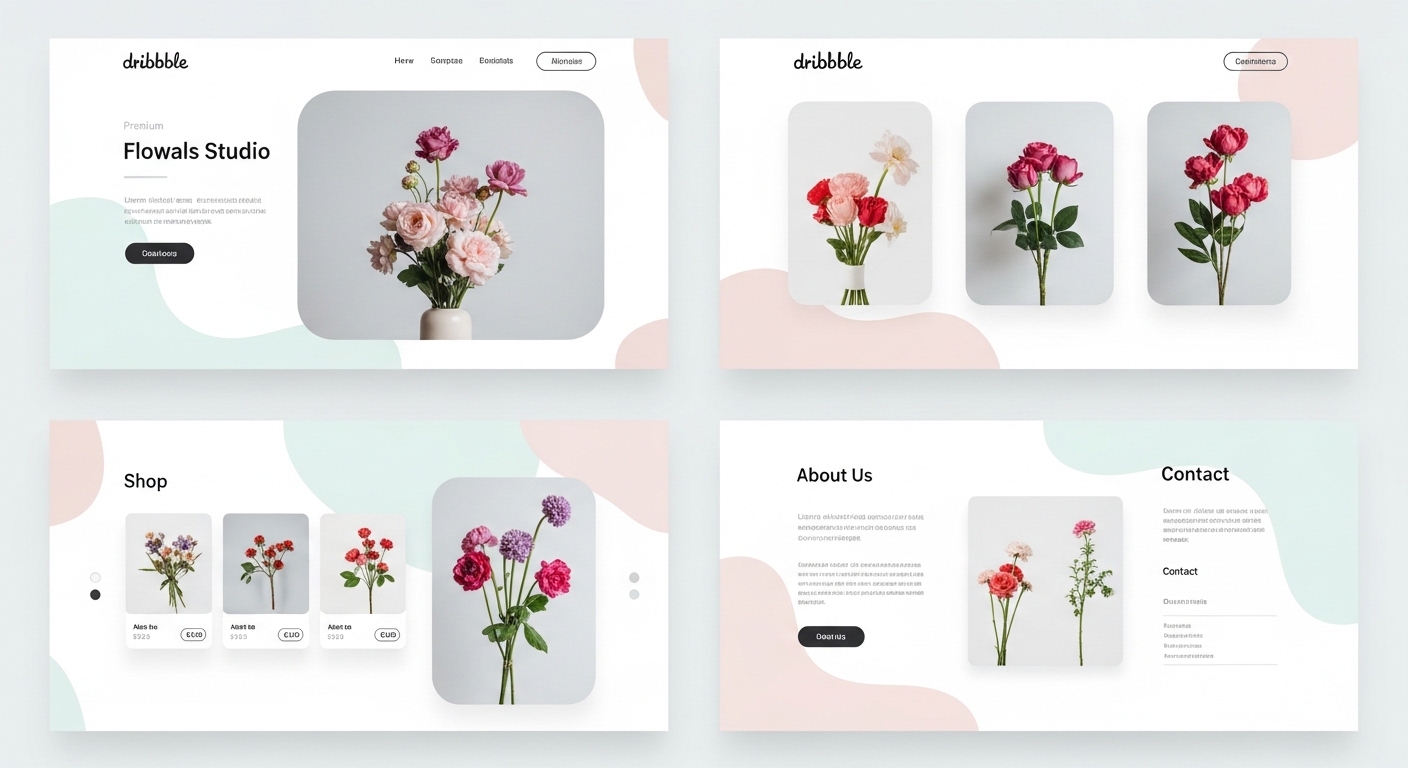
Nova Corporate Website
Modern corporate website for Nova, an energy sector company.
Related guides
Articles to read before choosing Flutter
Guides that clarify the Flutter / React Native / native choice.
Process
Mobile App Development Process 2026: Idea to Launch in 4 Phases
We split mobile app development into four clear phases — discovery, design, development, and launch — and detail each phase's deliverables, duration, and risks.
9 min
Cost Analysis
Mobile App Cost in 2026: What Actually Sets the Price?
$10K or $200K? Mobile app cost is set by 7 line items: scope, backend, integrations, native need, testing+security, maintenance, phased approach. Concrete ranges per item.
9 min
Decision Guide
iOS or Android First in 2026: Budget + Market + Strategy Decision
Which platform first? Market share + user value + budget + monetization + review speed + native need. 8-heading data-driven guide.
9 min
Start a conversation about your Flutter project
Share your idea in a 30-minute discovery call; we'll evaluate together whether Flutter is the right choice.