
iOS app development
iOS app development: native or cross-platform
Native development with Swift / SwiftUI for iOS, or cross-platform via Flutter / React Native — we decide together which fits your product.
Quick answer
iOS app development with Swift, SwiftUI, or cross-platform Flutter / React Native — native-feeling performance with App Store launch.
App Store launch process, TestFlight beta distribution, Apple Sign In, In-App Purchase, push notification setup — all part of the standard package.
Our iOS app development standard
- Swift / SwiftUI native or Flutter / React Native cross-platform
- Apple Sign In and OAuth ready
- In-App Purchase + StoreKit integration
- TestFlight beta distribution and App Store review tracking
- Crashlytics + Sentry error monitoring included
100+
Projects shipped
10+
Years of experience
96
City coverage
4.9/5
Customer rating
Native iOS or cross-platform?
iOS app development has two main paths: native via SwiftUI, or cross-platform via Flutter / React Native. Native is for the highest performance and the closest platform feel (haptic, Widgets, App Clips, Live Activities). Cross-platform is for parallel iOS + Android delivery.
We decide by three questions: does the budget-timeline pair require both stores at the same time? Are Apple-specific features (Live Activities, Widgets) critical to product value? Which side will your future developer work on? The answers naturally pick the tech.
App Store launch process
The most often-mishandled part of iOS development is App Store review. The Apple 'Guidelines' document must be known cold; otherwise rejected versions become a cost. We guide this process from App Store Connect setup onward.
TestFlight beta distribution, internal review, external review, production submission — all part of the standard flow. When Apple rejects after launch, we handle it on your behalf.
iOS-specific features
Features that make you stand out in the iOS world: Live Activities (Dynamic Island), Widgets (lock screen + home), App Clips, Apple Sign In, Apple Pay, HealthKit, HomeKit, SiriKit. These add product value and discoverability inside the App Store.
Which feature is meaningful for your product is decided in the discovery call. Most often 1–2 features create a significant lift in user retention.
Performance and energy management
iOS users are sensitive to battery drain. Background tasks, location updates, network calls — all planned within the energy budget.
We profile via Instruments to measure CPU, GPU, energy, and network performance. We report these metrics before launch and apply needed optimizations.
Frequently asked questions
For most cases Flutter is enough and ships to both stores. If Live Activities, deep Apple Pay integration, or AAA-tier games matter, native is safer.
Apple Developer Program is $99/year. We handle account setup; we ask you only for info/approval.
A beta distribution platform for an internal team (up to 100) and external testers (up to 10,000). We recommend a 1–2-week beta phase before launch.
Common in pre-launch. Apple states the reason; we fix and resubmit. Most rejections resolve in 24–48 hours.
If your app uses social OAuth (Google, Facebook), Apple Sign In is also required. It's checked on submission; we configure it from day one.
Locations
Locations where we ship iOS projects
We work with companies across global hubs for iOS app development. The locations below are where we deliver most often.
Selected projects
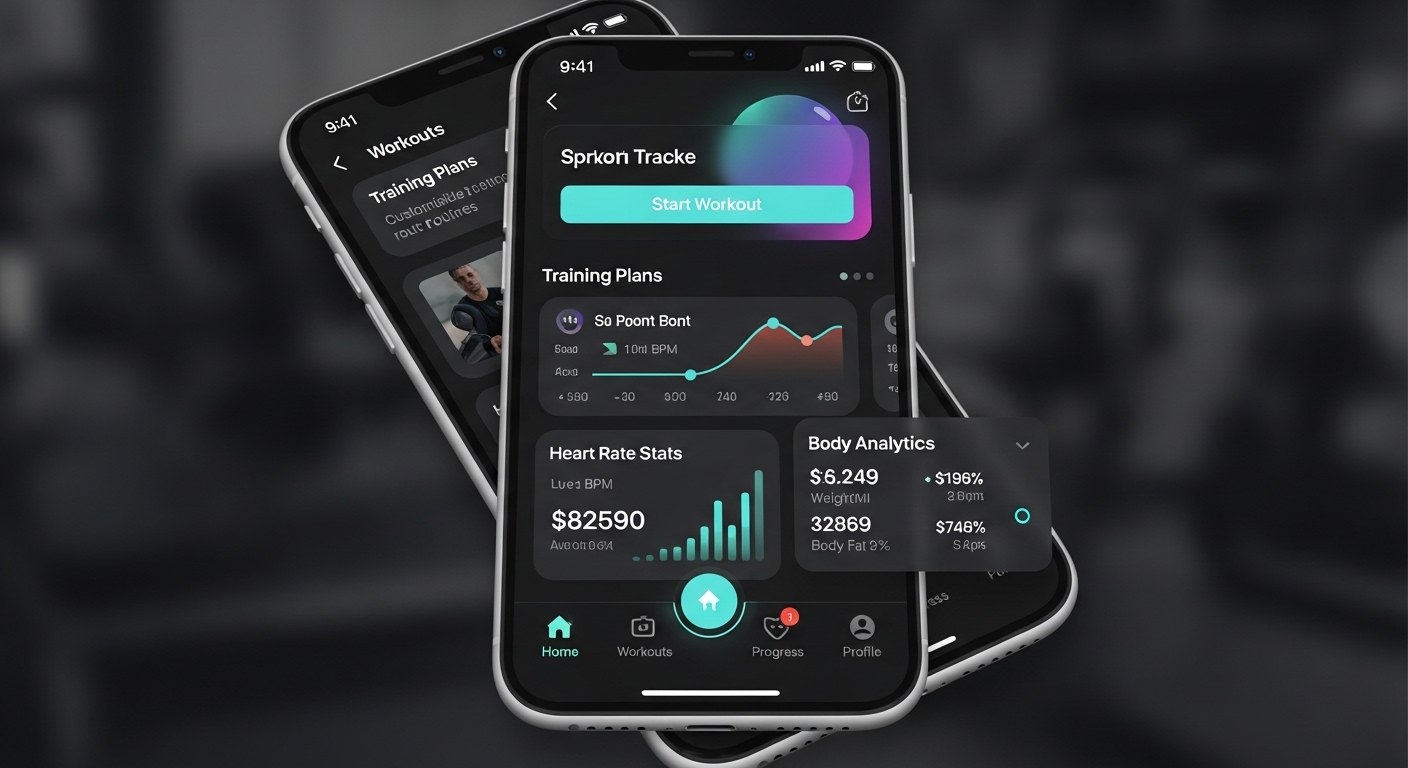
FitTrack Mobile App
Personal fitness tracking and workout planning app. 50,000+ active users on iOS and Android platforms.
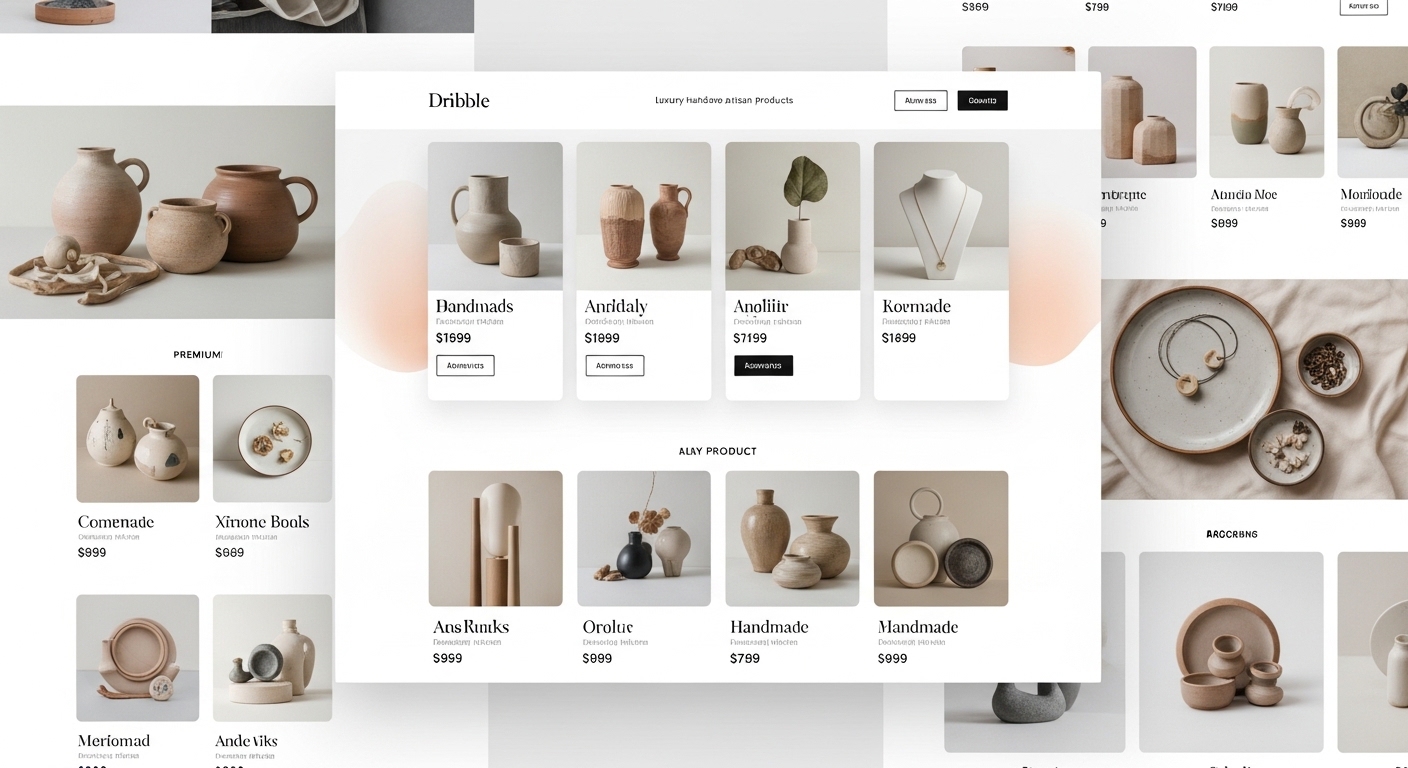
ShopZone E-Commerce Platform
Multi-vendor e-commerce platform. Integrated payment system, inventory management, and analytics dashboard.
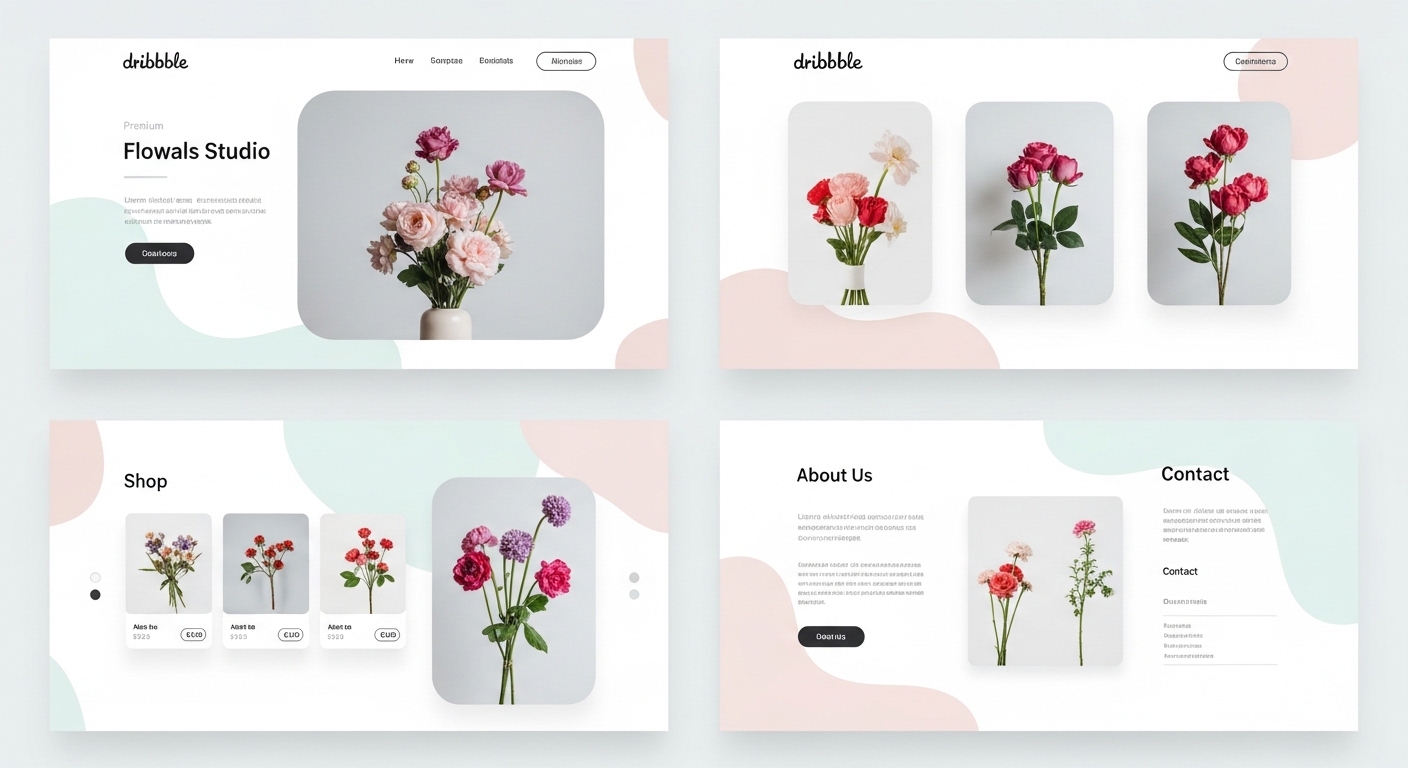
Nova Corporate Website
Modern corporate website for Nova, an energy sector company.
Related guides
Articles to read before deciding on iOS
Guides on iOS / Android first and tech-stack choice.
Process
Mobile App Development Process 2026: Idea to Launch in 4 Phases
We split mobile app development into four clear phases — discovery, design, development, and launch — and detail each phase's deliverables, duration, and risks.
9 min
Cost Analysis
Mobile App Cost in 2026: What Actually Sets the Price?
$10K or $200K? Mobile app cost is set by 7 line items: scope, backend, integrations, native need, testing+security, maintenance, phased approach. Concrete ranges per item.
9 min
Decision Guide
iOS or Android First in 2026: Budget + Market + Strategy Decision
Which platform first? Market share + user value + budget + monetization + review speed + native need. 8-heading data-driven guide.
9 min
Start an iOS app development call
After a 30-minute discovery call we share our iOS native or cross-platform recommendation in writing.