
WhatsApp automation
WhatsApp: the most-used customer channel
WhatsApp automation is the fastest customer-touch channel. Sales follow-up, support automation, campaign sending, and chatbot via Business API.
Quick answer
WhatsApp automation: customer support, sales follow-up, campaign sending, and chatbot via Business API.
Business API account setup, template approval, chatbot wiring, and integration into existing systems via n8n — end-to-end.
Standard for WhatsApp automation delivery
- WhatsApp Business API account setup
- Template message approval
- Chatbot integration (LLM-based)
- n8n / Zapier integration with existing systems
- Conversation analytics + reporting
100+
Projects shipped
10+
Years of experience
96
City coverage
4.9/5
Customer rating
Why WhatsApp Business API matters
85%+ of customers in many regions use WhatsApp. Phone calls and emails often go unanswered; WhatsApp gets opened. WhatsApp has become a primary channel for support, sales follow-up, and campaigns.
WhatsApp Business API is official automated messaging at company scale. The difference between an individual account (WhatsApp Business app) and an API account: API allows automation, multi-agent, chatbot integration.
Template messages and approval
On WhatsApp Business API, you must send messages through Meta-approved templates (when the user message is older than 24 hours). Template approval takes 1–3 business days.
We write your company-specific templates (order confirmation, shipping info, appointment reminder, campaign notification), get them through Meta's approval, and integrate them into your system.
Chatbot and escalation
An LLM-based chatbot can run on WhatsApp. Auto-replies for general questions, pricing, location, product info; escalation to a human agent on complex topics.
For most of our customers this lifts 50–70% off the support team's load. Cost: monthly LLM API + WhatsApp message cost (Meta's tariff).
Integration with existing systems via n8n / Zapier
We move WhatsApp-originated leads into CRM, orders into ERP, appointment requests into calendar. Set up in n8n or Zapier (workflow automation).
WhatsApp becomes an integrated piece of the company system, not a standalone channel. Single-source data flow, no manual entry.
Frequently asked questions
Account setup from us; message cost per Meta's tariff — varies. Typical message cost is in a few US cents range.
1–3 business days. If Meta rejects for a guideline issue, we fix and resubmit.
Manual use only. Automation, chatbot, and multi-agent require Business API.
Yes. We connect Salesforce, HubSpot, Pipedrive, your own CRM, ERP, and calendar via n8n or Zapier.
Monthly support package: new templates, chatbot prompt improvement, reporting, performance monitoring.
Locations
Locations where we ship WhatsApp automation projects
We deliver WhatsApp automation across global hubs.
Selected projects
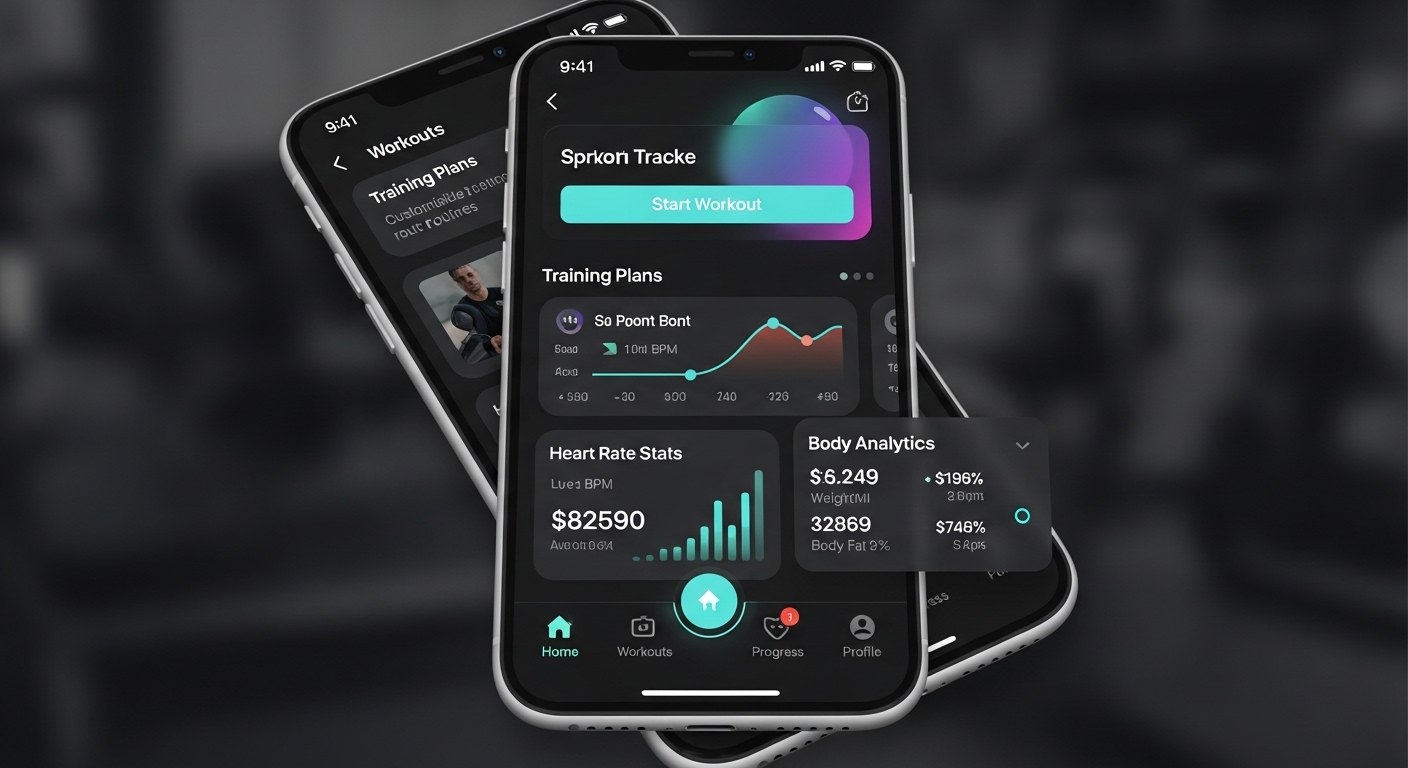
FitTrack Mobile App
Personal fitness tracking and workout planning app. 50,000+ active users on iOS and Android platforms.
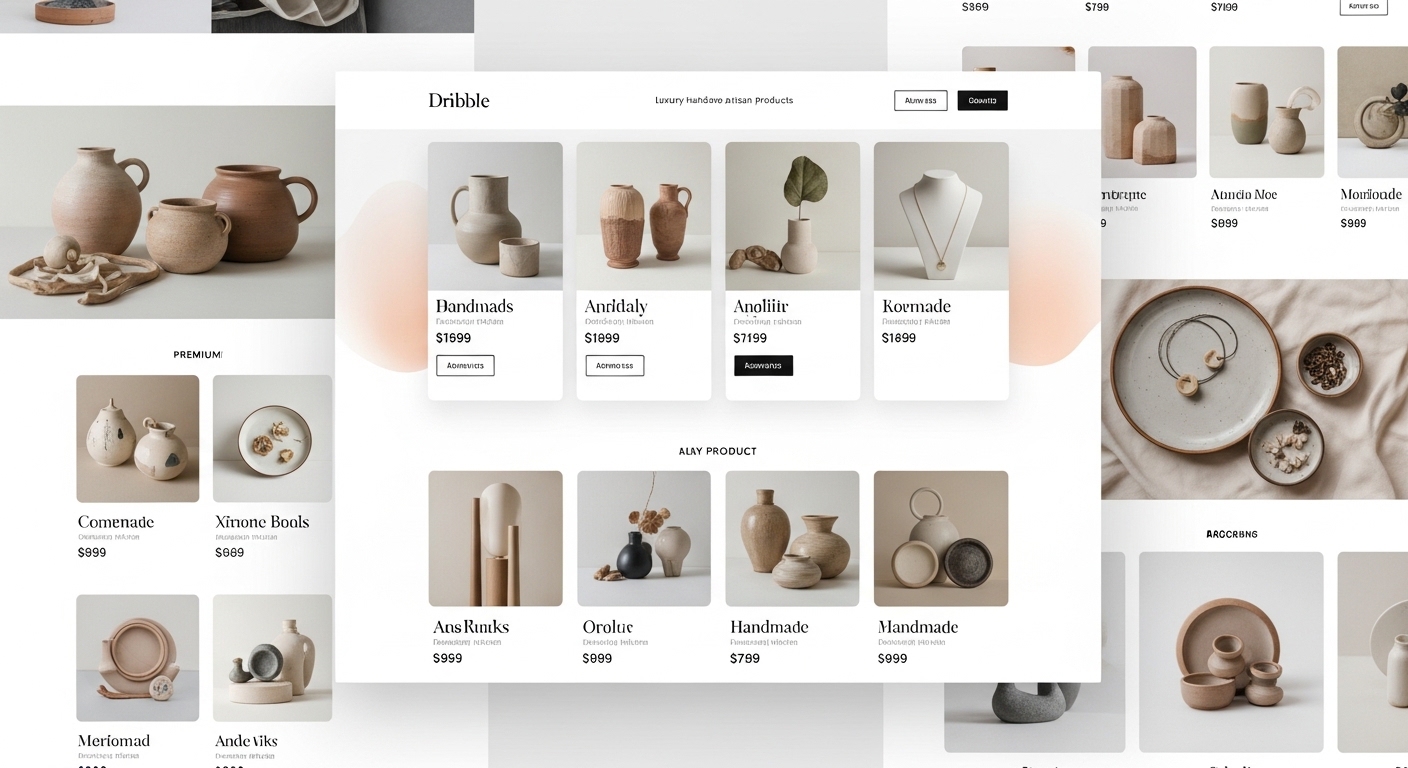
ShopZone E-Commerce Platform
Multi-vendor e-commerce platform. Integrated payment system, inventory management, and analytics dashboard.
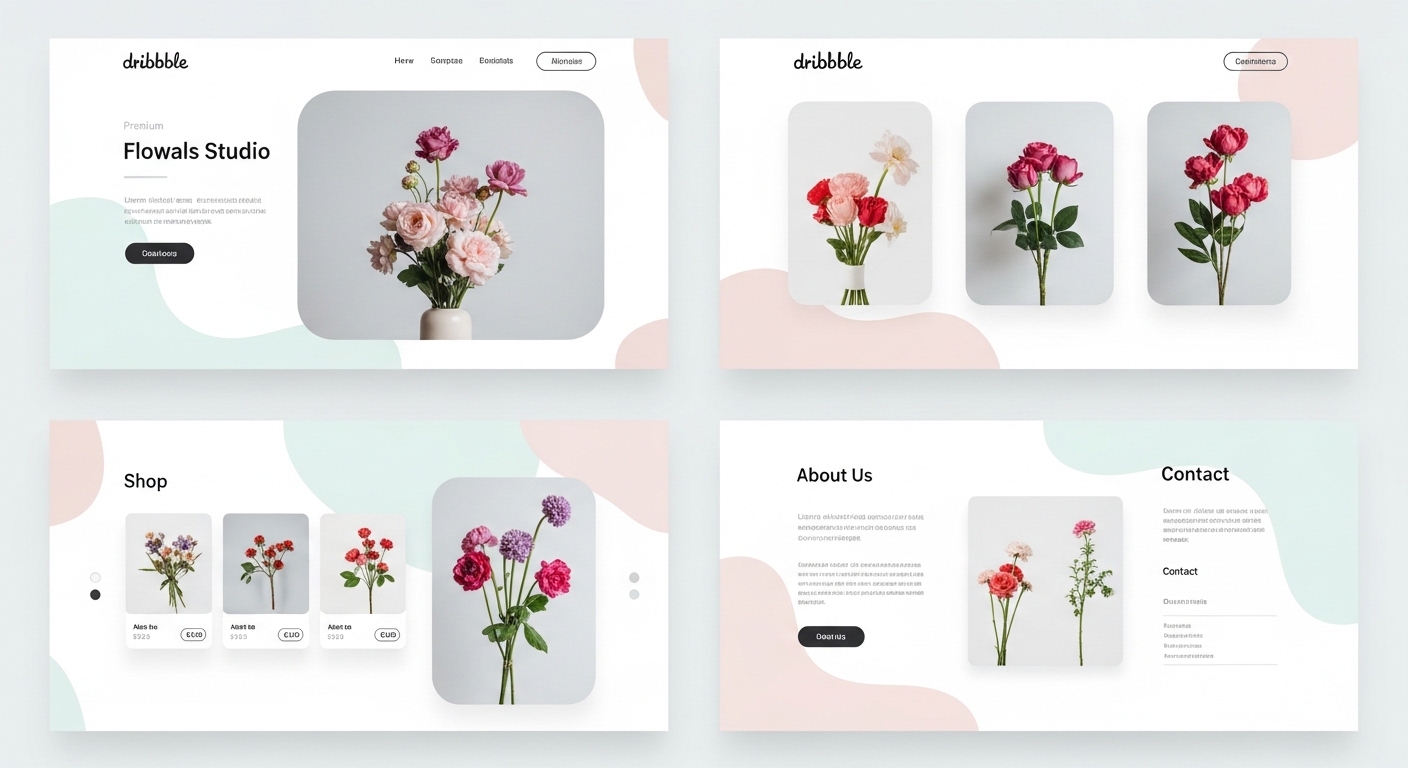
Nova Corporate Website
Modern corporate website for Nova, an energy sector company.
Related guides
Articles to read before deciding on WhatsApp automation
Guides on WhatsApp Business and automation.
Software Development
Software Development Methods 2026: Modern Stack, Process and Discipline
Stack selection, architecture, test strategy, CI/CD, AI-assisted coding, observability, team rhythm. 8-heading modern software discipline.
9 min
Enterprise
ERP Software Selection Criteria 2026: Off-the-Shelf or Custom?
SAP, Logo, Mikro or custom ERP? 8 headings on TCO, process-fit, regulation, scale, team, ROI, exit strategy decision matrix.
9 min
AI
AI Chatbot Customer Support Automation 2026: Detailed Guide
From rule-based to LLM + RAG, escalation, measurement, omnichannel, KVKK, team training, ROI. 8-heading implementation guide.
9 min
Start WhatsApp automation
After a 30-minute discovery call, scope and cost summary lands in writing.